macOS
Apple Silicon macOS 13.3+
ADM is an Android device manager for macOS and Windows. Install APKs, transfer files, and mirror and control your screen from one desktop workspace.
macOSWindows
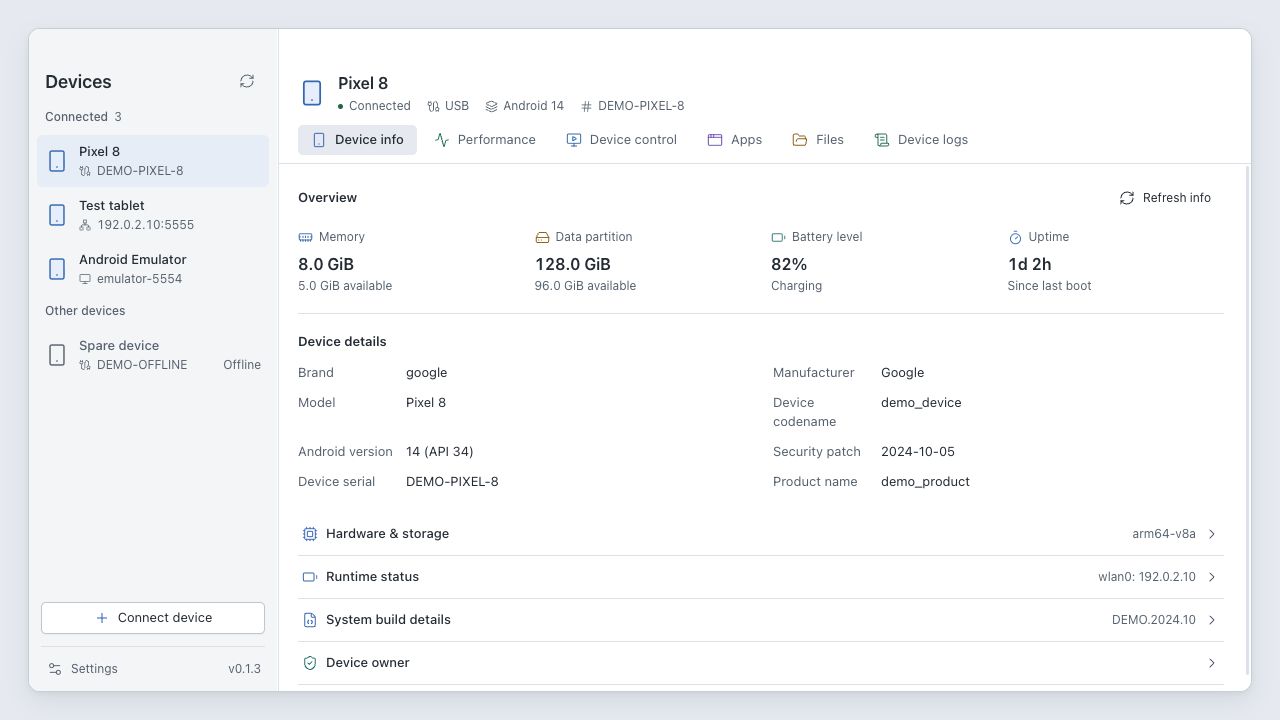
Android phones, tablets, and emulators with authorized ADB access. Connect over USB or a network. Wireless debugging pairing requires Android 11 or later; pairing and connection use different ports.
Not yet. Mirroring and recording currently capture video only. They require a working H.264 encoder and WebCodecs support. Some older emulators and protected screens cannot be captured.
The desktop app supports English and Simplified Chinese. This website and the README are available in eight languages.
Yes. ADM's own code is MIT-licensed and built with Tauri, Vue, TypeScript, and Rust. Bug reports, translations, and code contributions are welcome on GitHub.
View source